WordPress 全屏页面模板
将以下代码保存为Page-fullscreen.php ,将它放到主题的根目录下(与 index.php 同级,通常是在 wp-content/themes/your-theme/ 目录下)。在 WordPress 后台,创建一个新的页面(页面 > 新建)。在页面编辑界面,右侧有一个 页面属性 部分,找到 模板 下拉菜单,选择 Fullscreen Page。代码中的background: url(‘path/to/your-image.jpg’) 部分,你需要将 ‘path/to/your-image.jpg’ 替换成你实际使用的图片路径。如果你是从媒体库选择的图片,可以右键点击图片,选择 复制图片地址,然后粘贴到这里。作为全屏背景。
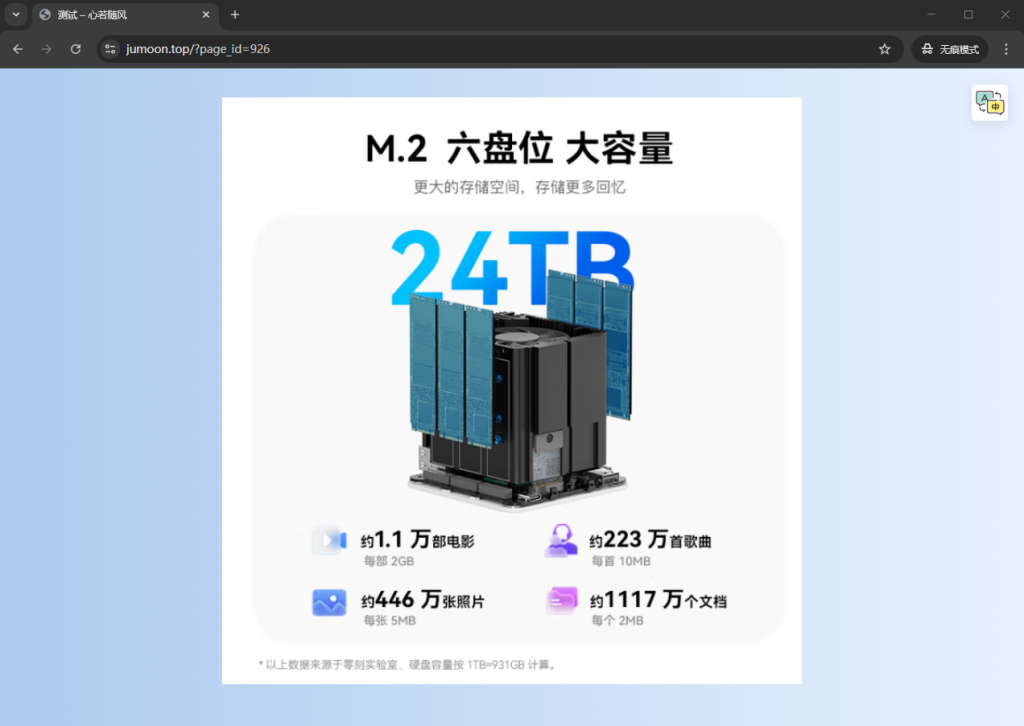
效果
<?php
/* Template Name: Fullscreen Page */

get_header(); // 调用头部信息
?>

<style>
    /* 设置页面的样式 */
    .fullscreen-content {
        position: absolute;
        top: 0;
        left: 0;
        width: 100%;
        height: 100vh; /* 视口高度 */
        background: url('path/to/your-image.jpg') no-repeat center center;
        background-size: cover;
        color: white;
        text-align: center;
        display: flex;
        justify-content: center;
        align-items: center;
    }

    /* 隐藏页面的其他元素,如导航栏和页脚 */
    body {
        overflow: hidden;
        margin: 0;
    }

    header, footer {
        display: none;
    }

    .fullscreen-content h1 {
        font-size: 4em;
        text-shadow: 2px 2px 10px rgba(0, 0, 0, 0.7);
    }
</style>

<div class="fullscreen-content">
    <!-- 在这里显示页面内容 -->
    <?php
    // 显示页面的内容
    if ( have_posts() ) :
        while ( have_posts() ) : the_post();
            the_content(); // 显示页面内容
        endwhile;
    endif;
    ?>
</div>

<?php
get_footer(); // 调用页脚信息
?>

 中文(简体)
 中文(繁體)
 日本語
日本語 한국어
한국어 русский
 English
 français
 Deutsch
 español
 italiano
 বাংলা (ভারত)
 العربية
 ไทย
ไทย Tiếng Việt
 Bahasa Melayu
 Filipino
 ελληνικά
 magyar
 dansk
dansk norsk
norsk íslenska
 Gaeilge